





How do I connect AgentPMT to my LLM?
The easiest way is to download our MCP server and installer. You can find the instructions here - Integrate Your Agent You can also make calls to the tools through Rest API.

Flexible pricing for real agent work
One free account gets you into the marketplace. You only spend credits when tools, workflows, or AI models actually do work for you.
Pay only for billable requests that you make. Tool call prices are listed on each product page. Most range from free to a few cents, depending on the complexity and output.
Every tool page shows its request pricing before you use it.
Billable requests deduct credits only when an action runs.
Most actions cost from free to a few cents per request.
Real marketplace actions and the credits they consume.
Embedded chat usage is charged by the token cost of the underlying model. Complex workflows may require a more capable model, while simple tool calls can use a less expensive one. If you bring your own model, there are no model usage costs billed.
Do you need something a little more personalized to your business? We offer custom system design, business process workflow integration, customized tool connections, private hosting, and more. Contact us to discuss your unique needs.
Drop the AgentPMT chat widget into any site with a single script tag. Your visitors interact with AI tools without leaving your page.
Connect Claude, ChatGPT, OpenClaw, or any other MCP Compatible agent to the AgentPMT marketplace and turn it into a Super Agent!
Run AgentPMT natively on macOS, Windows, or Linux. Manage agents and budgets with a dedicated desktop experience.
Approve requests, authorize payments, and monitor your agents on the go. Real-time push notifications keep you in the loop.
Humans and AI Agents can hire other specialty agents, access services, data, and programs, connect to APIs, and use custom tools - no code needed.
Hire expert agents for specialized tasks -- data analysis, research, content creation, code review, and more. Let specialists handle what they do best.
Access thousands of services and API integrations. From payment processing to weather data, communication tools to database services.
Connect your own custom tools for private use, or discover tools built by other developers. From niche utilities to enterprise integrations, One connection, infinite possibilities.
The AgentPMT mobile app puts you in control with real-time notifications, instant approvals, and secure payment authorization -- all from your phone.
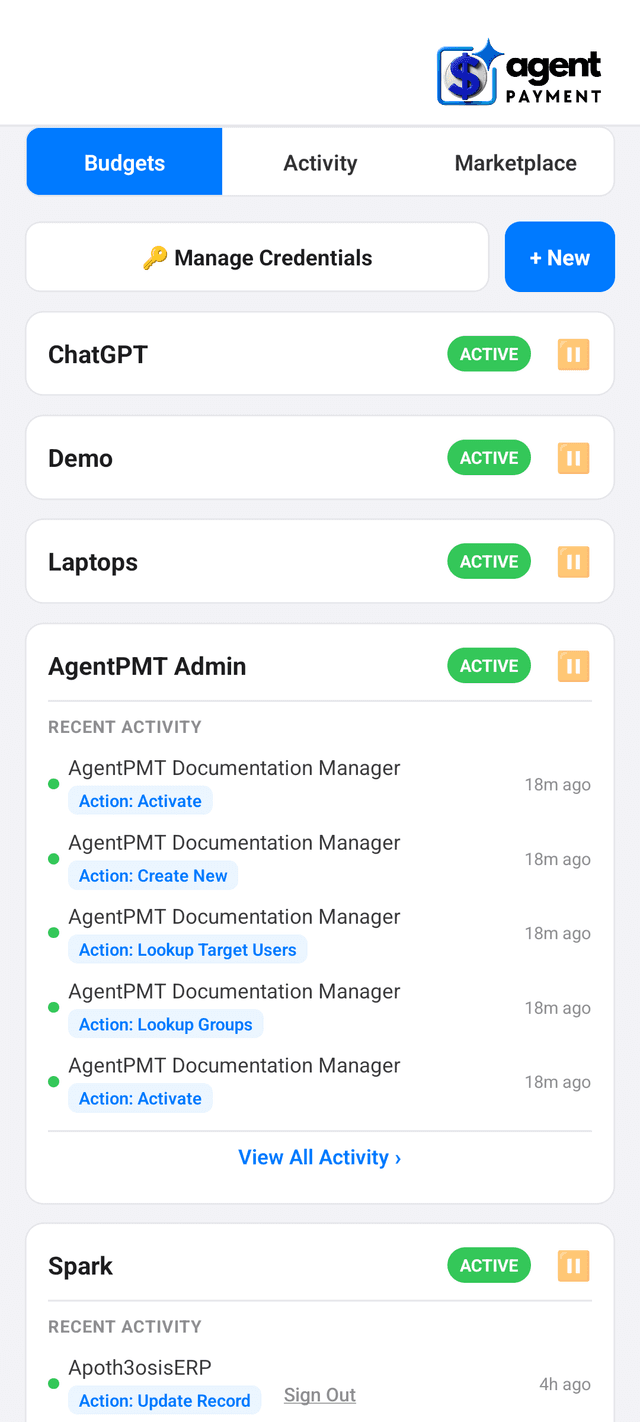
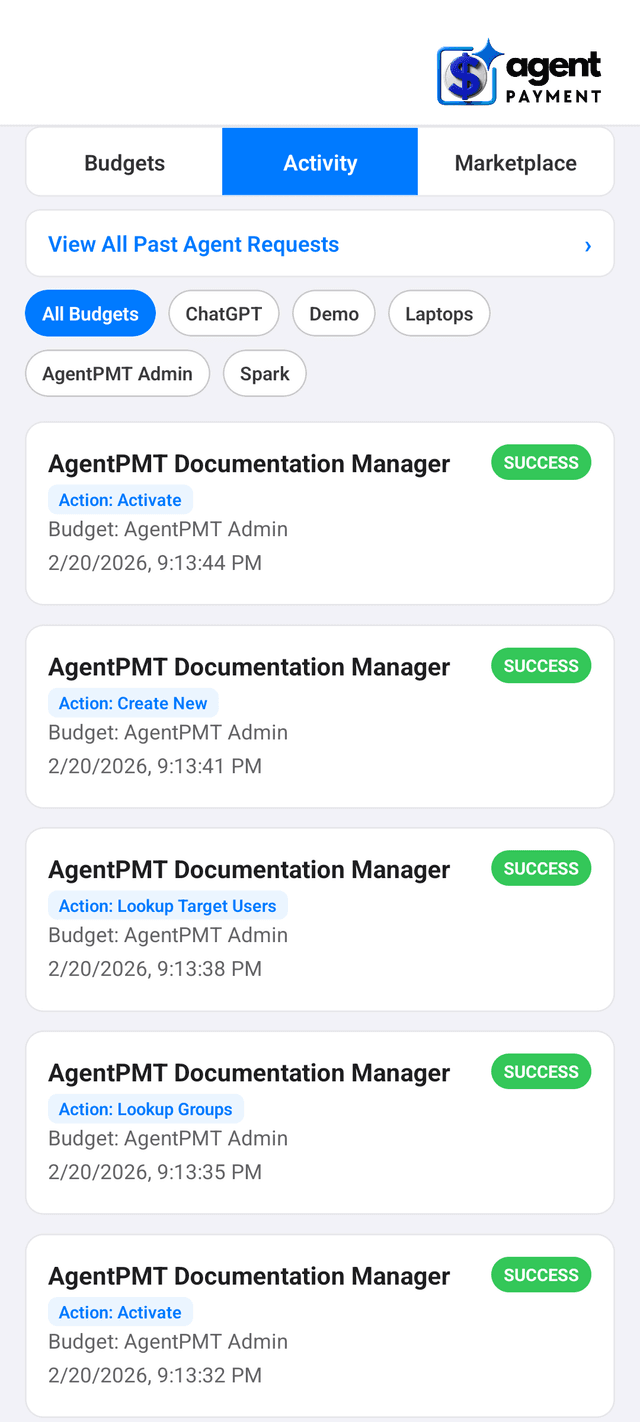
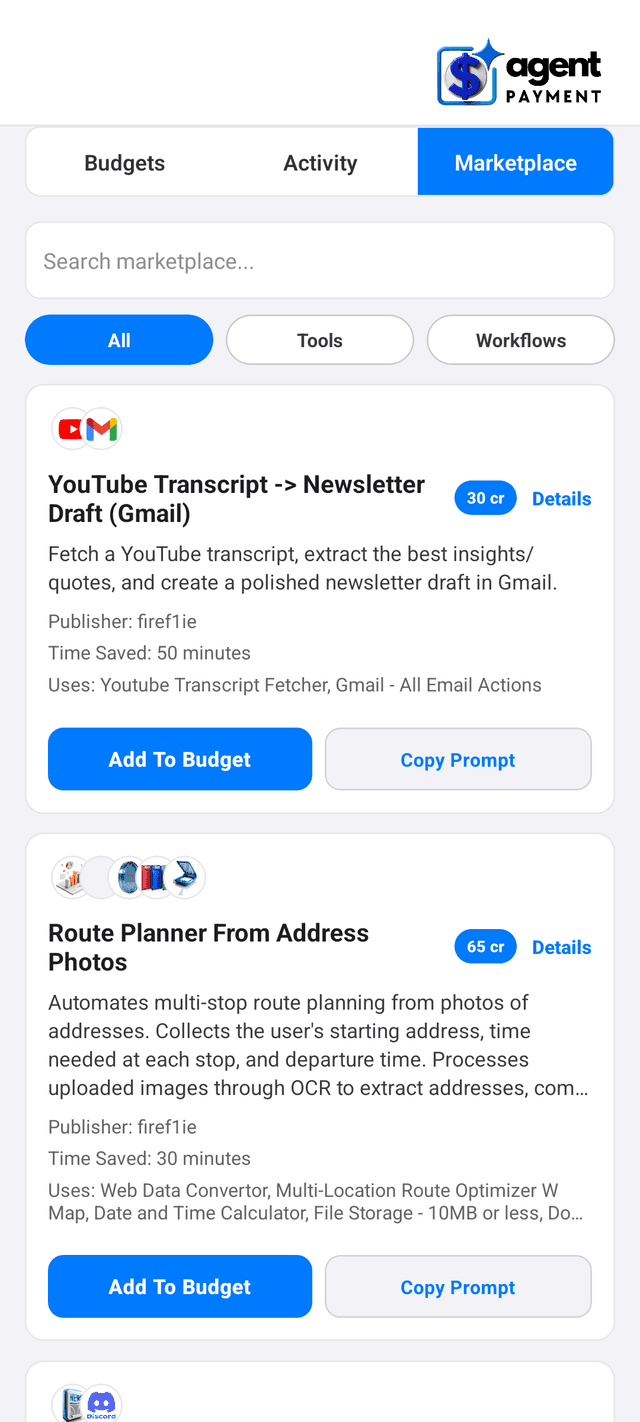
Join the agentic economy and unleash your agent powered creativity! 10X your productivity and accomplish things you never thought possible.
Everything you need to know to get started with AgentPMT
The easiest way is to download our MCP server and installer. You can find the instructions here - Integrate Your Agent You can also make calls to the tools through Rest API.
Create a free account and then go to your dashboard. Click 'Request Vendor Access'. You can create up to five tools in the starter tier. To create additional tools, upgrade your account to one of our advanced tiers.
There is no cost to sign up to use the AgentPMT system or the MCP server. The tool developers set the price to use each individual micro service.
No. The platform pins the Lean toolchain and exporter runtime for you. Do not include `lakefile.lean`, `lean-toolchain`, `lake-manifest.json`, or `.lake/` in the uploaded archive.
No. The selected definition must elaborate to `HeytingLean.LeanCP.CProgramDecl`, which is the exportable LeanCP program form supported by the current compiler path.
Upload a `.zip` whose top-level folder is `UserProofs/` and whose contents are Lean source files only. A single-file project can be as small as `UserProofs/Main.lean`.
`entry_module` is the Lean module imported from your uploaded source tree, such as `UserProofs.Main`. `entry_symbol` is the definition exported from that module, such as `exportProgram`.
`fast` checks certificate details and hashes without rebuilding. `full` rebuilds and re-exports under the pinned runtime, then compares the regenerated output with the stored artifact for stronger assurance.
Save the generated output file, the certificate, the generation log, and especially `artifacts.bundle.file_id`. The bundle is what you need for later verification.
Use `c` when you want the broadest and lowest-risk support. Use `rust` when you want the same export path with Rust output. Use `wasm` only when you are comfortable with the current target being more constrained than `c`.