

Autonomous Employee
Real Estate Assistant
Workflow
Email Workflow
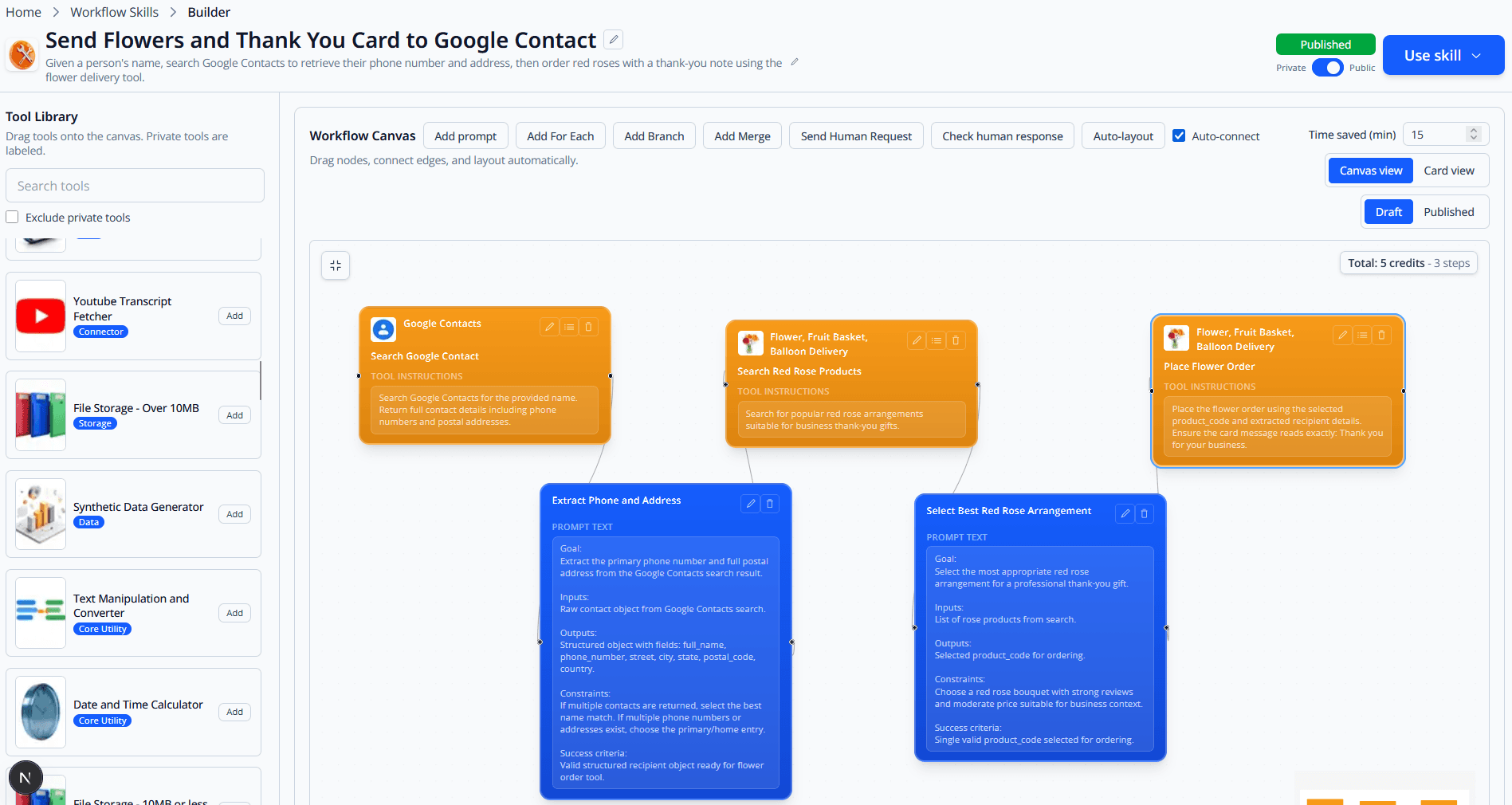
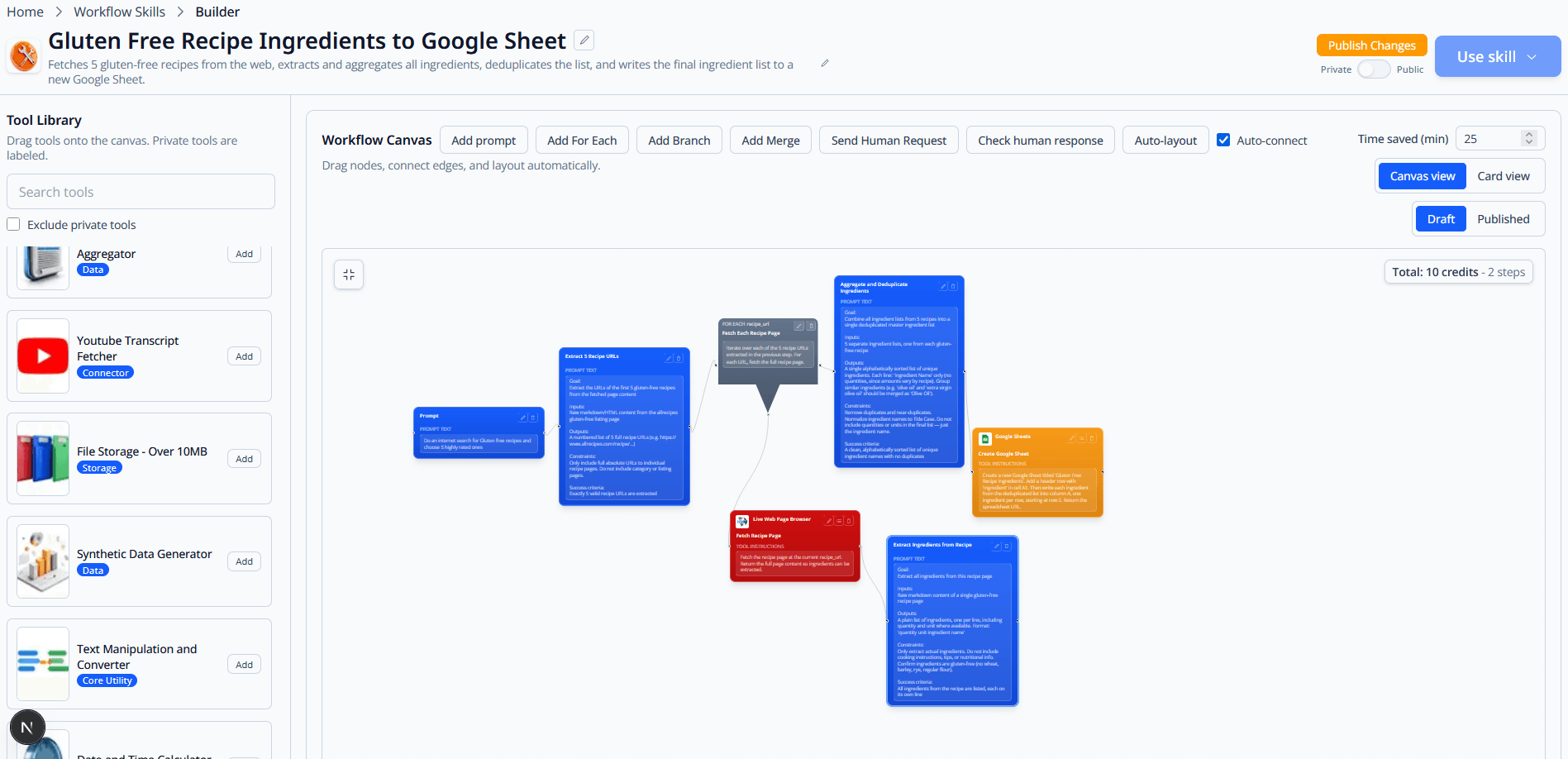
Fetching and analyzing the email workflow. I will get every email from the assigned address, filter out spam and marketing messages, check each sender in the CRM, add missing contacts, analyze the intent of each email, and respond according to the approved real estate workflow.
Fetch and classify inbox
Pull unread emails from Gmail, remove spam and marketing messages, and group messages by buyer, seller, vendor, and lead intent.
Match contacts in CRM
Check Zoho CRM and property data tools for every sender, update known contacts, and create new lead records when no match exists.
Respond according to workflow
Draft showing responses, buyer property packets, listing follow-ups, and signature requests using the approved brokerage process.
Example assignment
Process the morning inbox and prepare CRM updates for every active buyer, seller, vendor, and lead conversation.