

Ways to Connect
BYO Agent With MCP
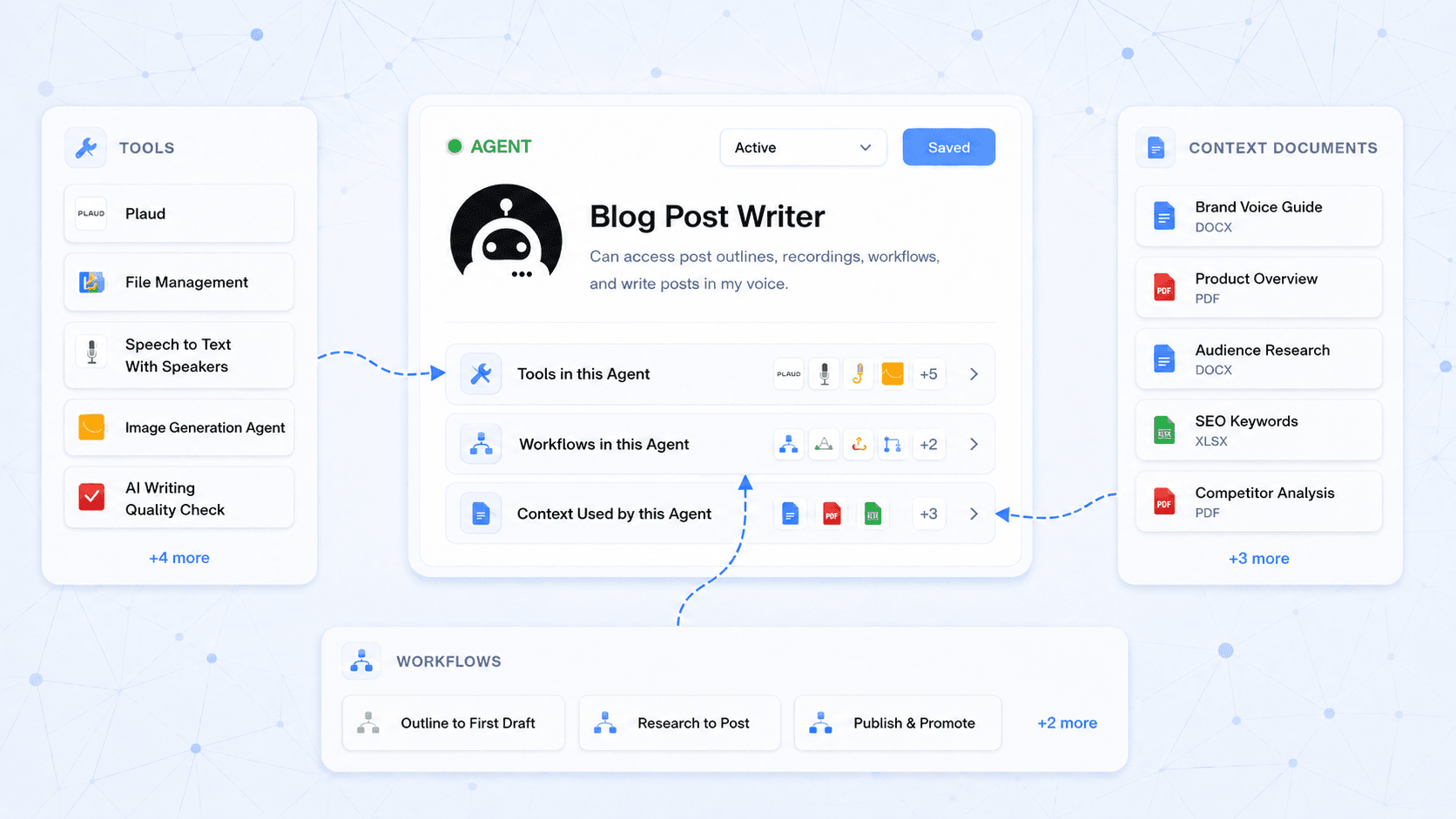
Connect Claude, ChatGPT, OpenClaw, or any other MCP Compatible agent to the AgentPMT marketplace and turn it into a Super Agent!
Desktop App
Run AgentPMT natively on macOS, Windows, or Linux. Manage agents and budgets with a dedicated desktop experience.
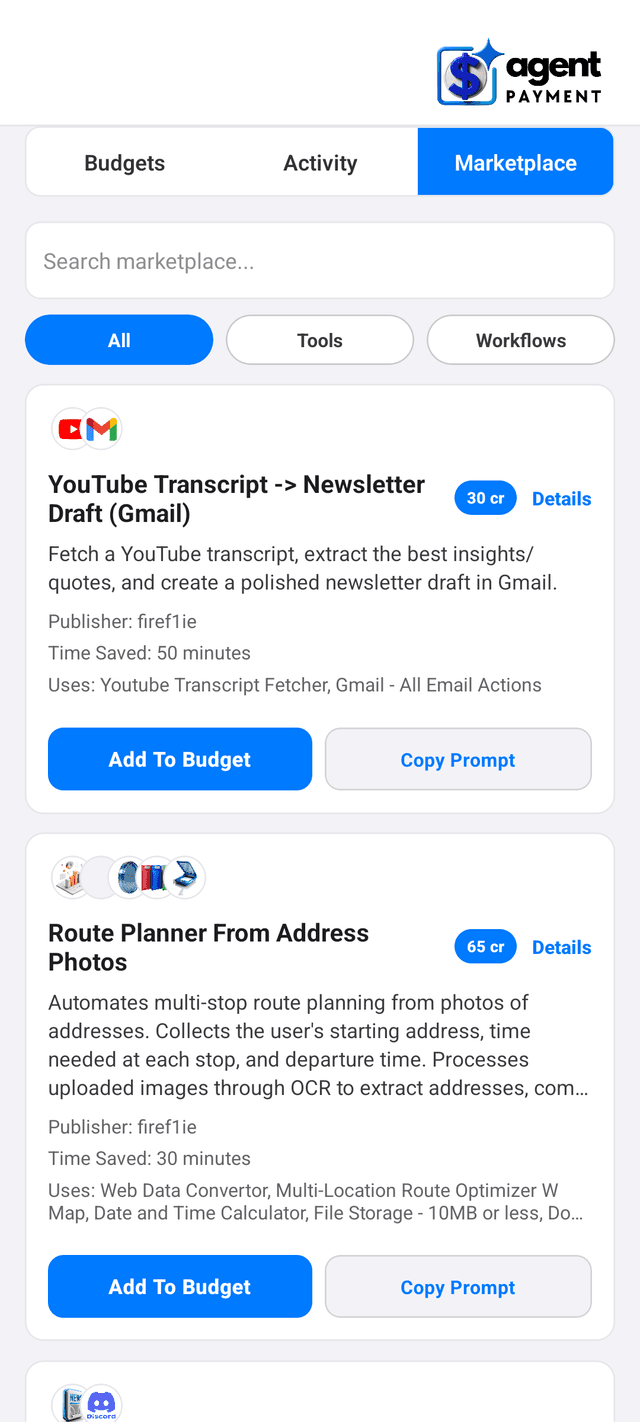
Mobile App
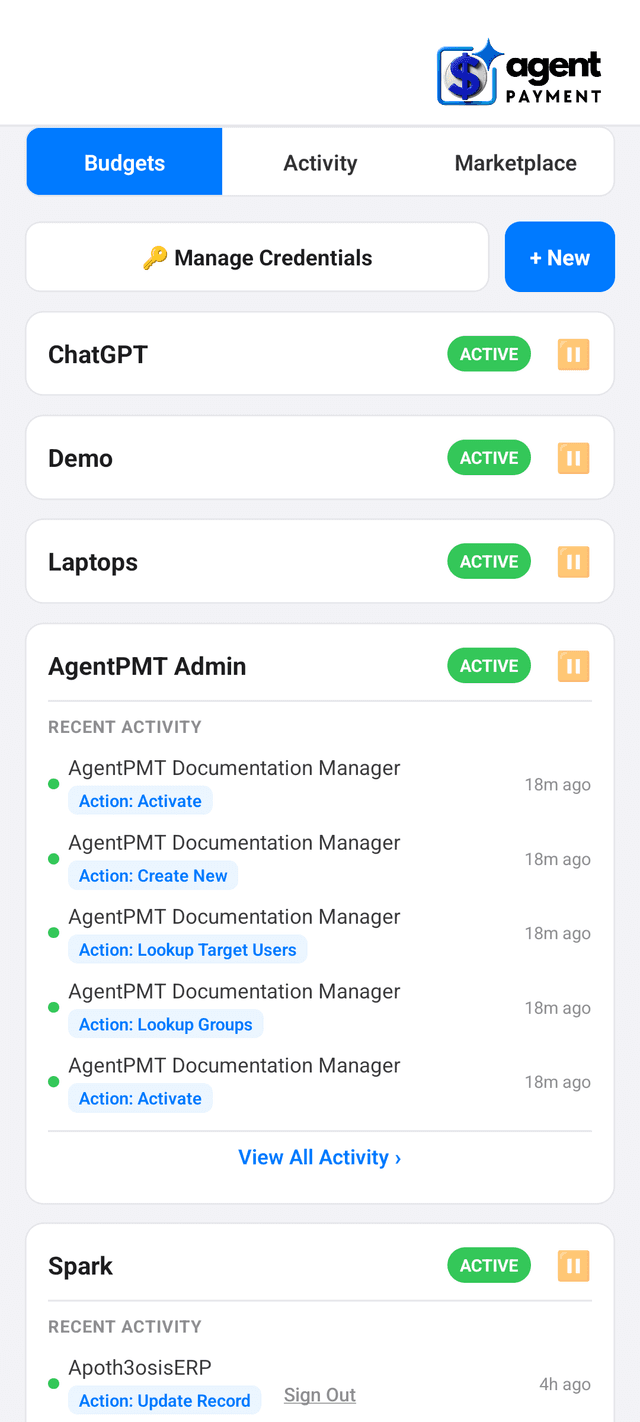
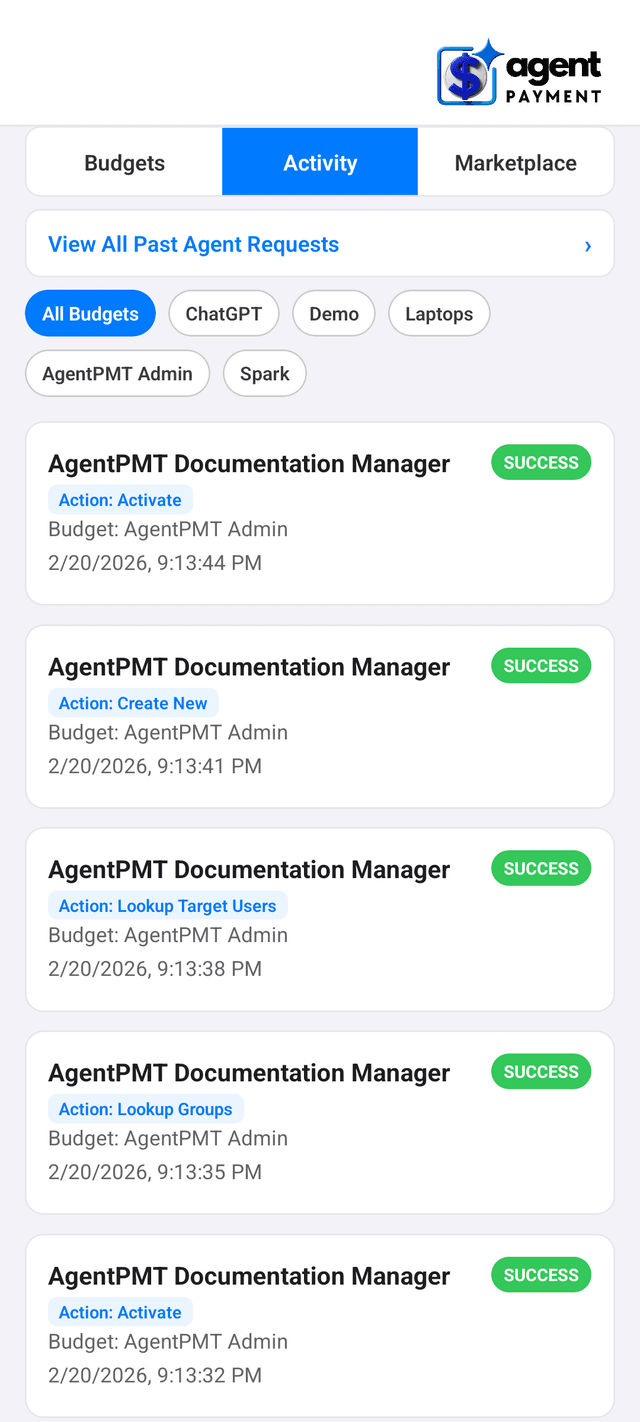
Approve requests, authorize payments, and monitor your agents on the go. Real-time push notifications keep you in the loop.
Embed
Drop the AgentPMT chat widget into any site with a single script tag. Your visitors interact with AI tools without leaving your page.
Manage Your Agents From Anywhere
The AgentPMT mobile app puts you in control with real-time notifications, instant approvals, and secure payment authorization -- all from your phone.


Get Started With A Workflow Today
Try it free, no credit card required. We will give you 500 free credits to build something awesome!
Frequently Asked Questions
Everything you need to know to get started with AgentPMT
How do I connect AgentPMT to my LLM?
The easiest way is to download our MCP server and installer. If you are using a cloud agent like ChatGPT or Claude you can install our connector. You can find the instructions here - Integrate Your Agent
Can I revoke an agent's access at any time?
Yes. Pause its smart contract, revoke its API keys, or end its session from the dashboard. Every action takes effect within seconds and is recorded in the audit log.
Can my agent spend unlimited money?
No. Auto-recharge is optional, off by default, and capped by the max refill count you choose for each rolling 7-day window. If you leave auto-recharge off, agents stop when the balance is exhausted.
Do credits expire?
Purchased credits are valid for 12 months from purchase. Free and promotional credits may follow the terms shown when they are granted.
Do my API keys ever reach the AI agent?
No. The Credential Vault stores every credential encrypted at rest on AgentPMT servers and injects it server-side at the moment the outbound request leaves for the upstream API. The agent sees the endpoint name and the response, never the raw key, token, or password.
This is enforced by the connected-API builder: every endpoint must select an injection target (header, body, or query parameter) before it can be saved, and the credential value is bound once and never re-emitted to the agent context or the agent memory.
How do AI agents pay for tools on AgentPMT?
Agents spend USDC from a smart contract controlled budget on Base. Payments are routed through Circle programmable wallets, capped by the budget you set, and visible on chain by transaction hash.
How do I audit what my agents did?
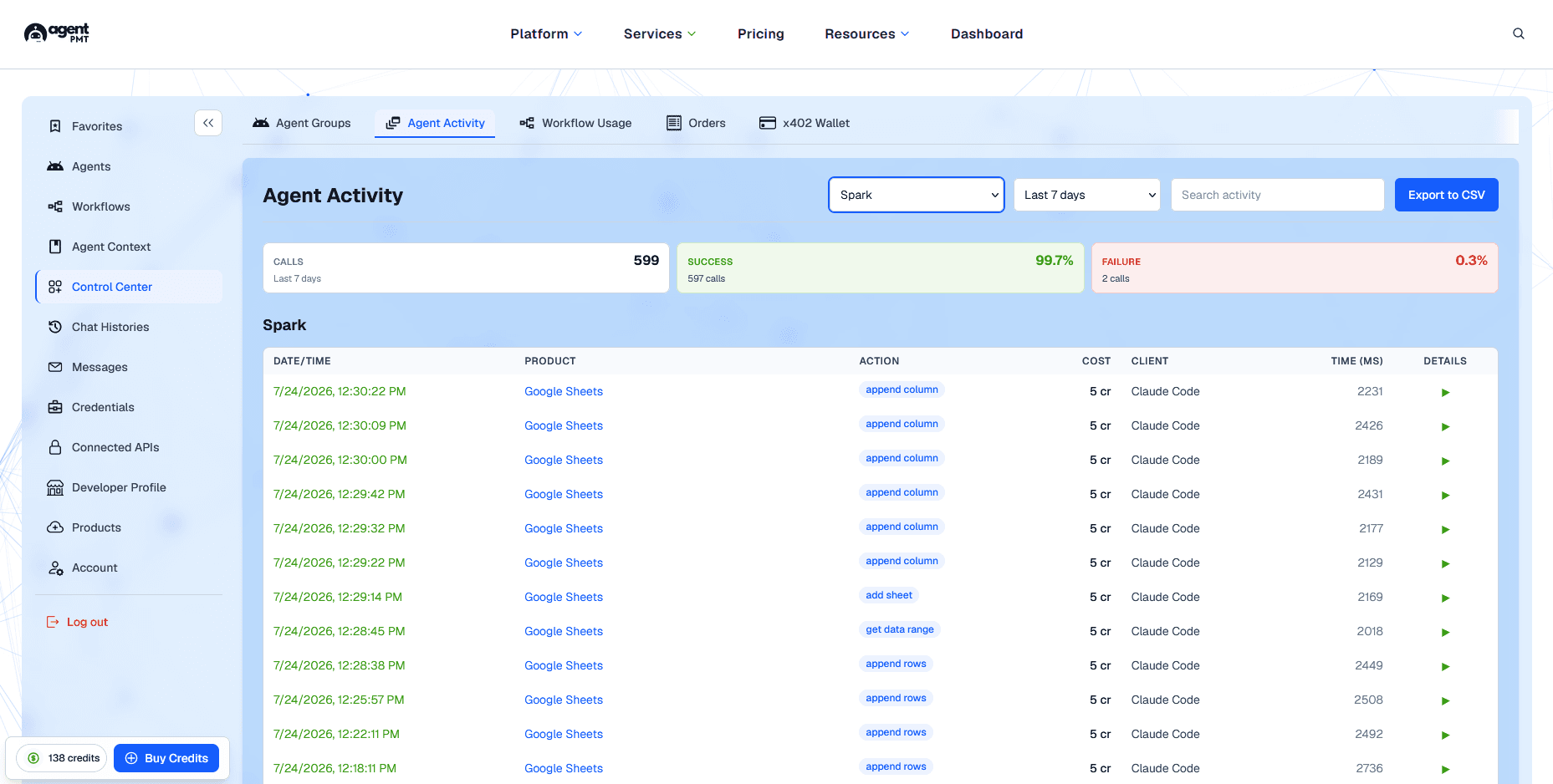
Every tool call, credential use, payment, and outcome is written to an append-only audit log with correlation IDs. You can search by user, workflow run, agent identity, or transaction hash.
How do I know what something will cost before running?
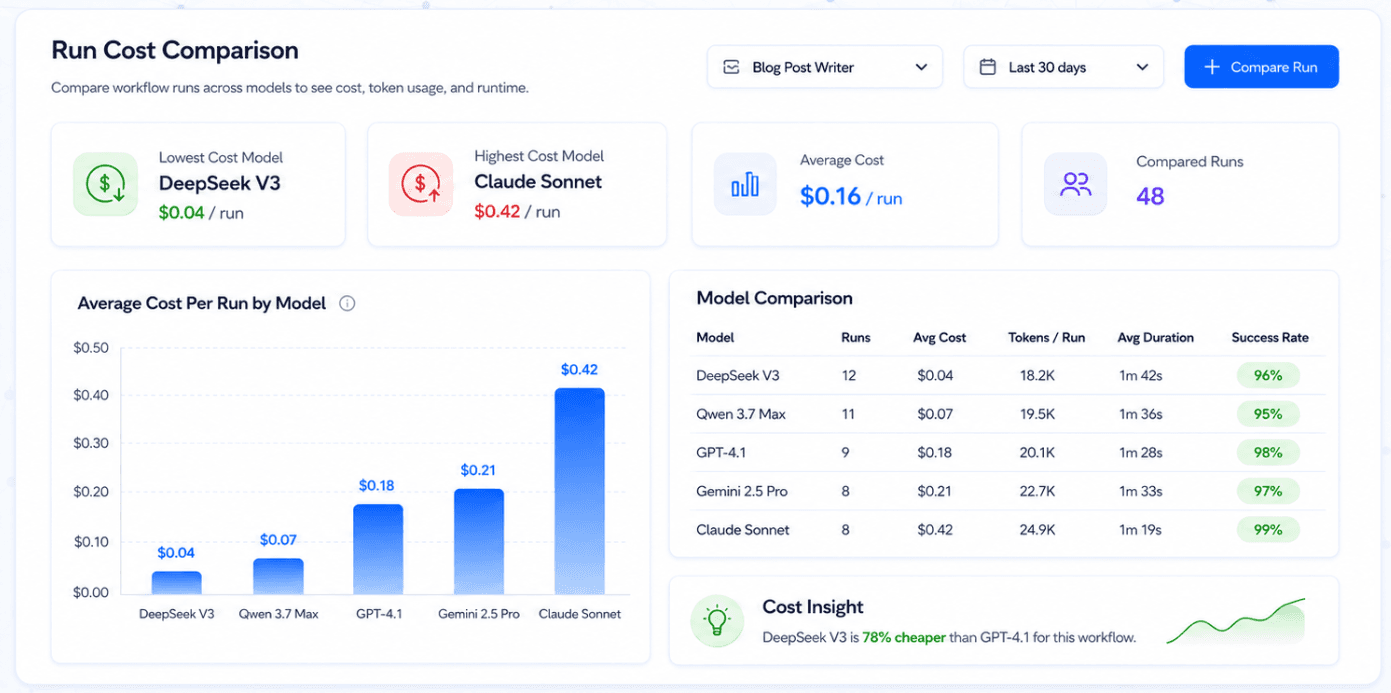
Marketplace tools and workflows surface credit costs before you run them, and the dashboard shows your current balance, usage history, and refill settings.
How do I pause a single agent or a whole workflow?
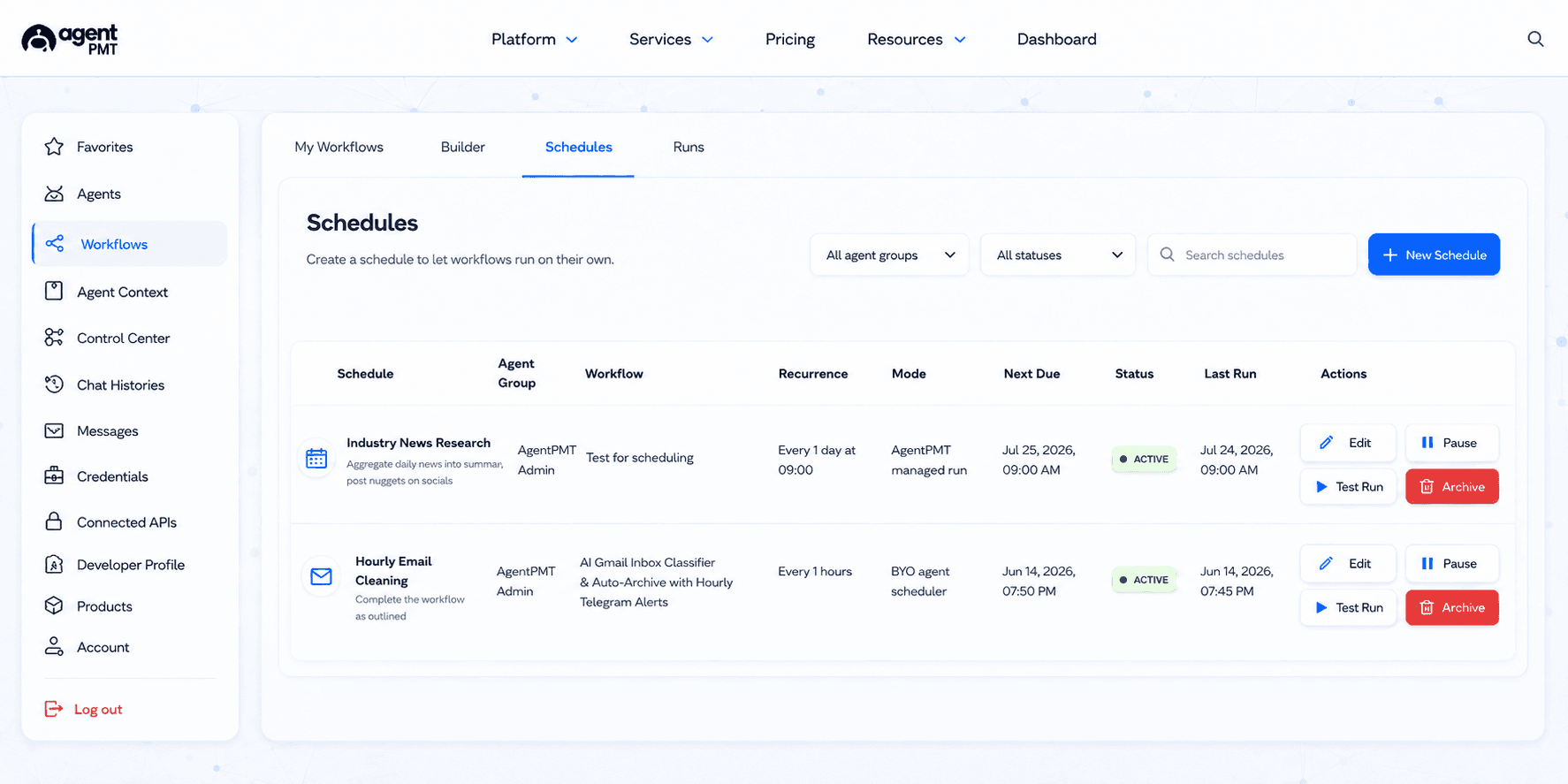
Open the Control Center tab of your dashboard. Agent Guardrails lists every agent with a pause toggle, a spend cap, and a tool allowlist. Workflow Usage lists every active workflow and lets you pause a single workflow without affecting the rest of your fleet. The Wallets tab adds a pause toggle at the wallet level so you can stop outbound payments with a single click.
Every pause emits an audit entry and is reversible from the same screen. A paused agent cannot spend credits, call tools, or run workflow steps until you unpause it.
How do I trigger a workflow from outside the AgentPMT dashboard?
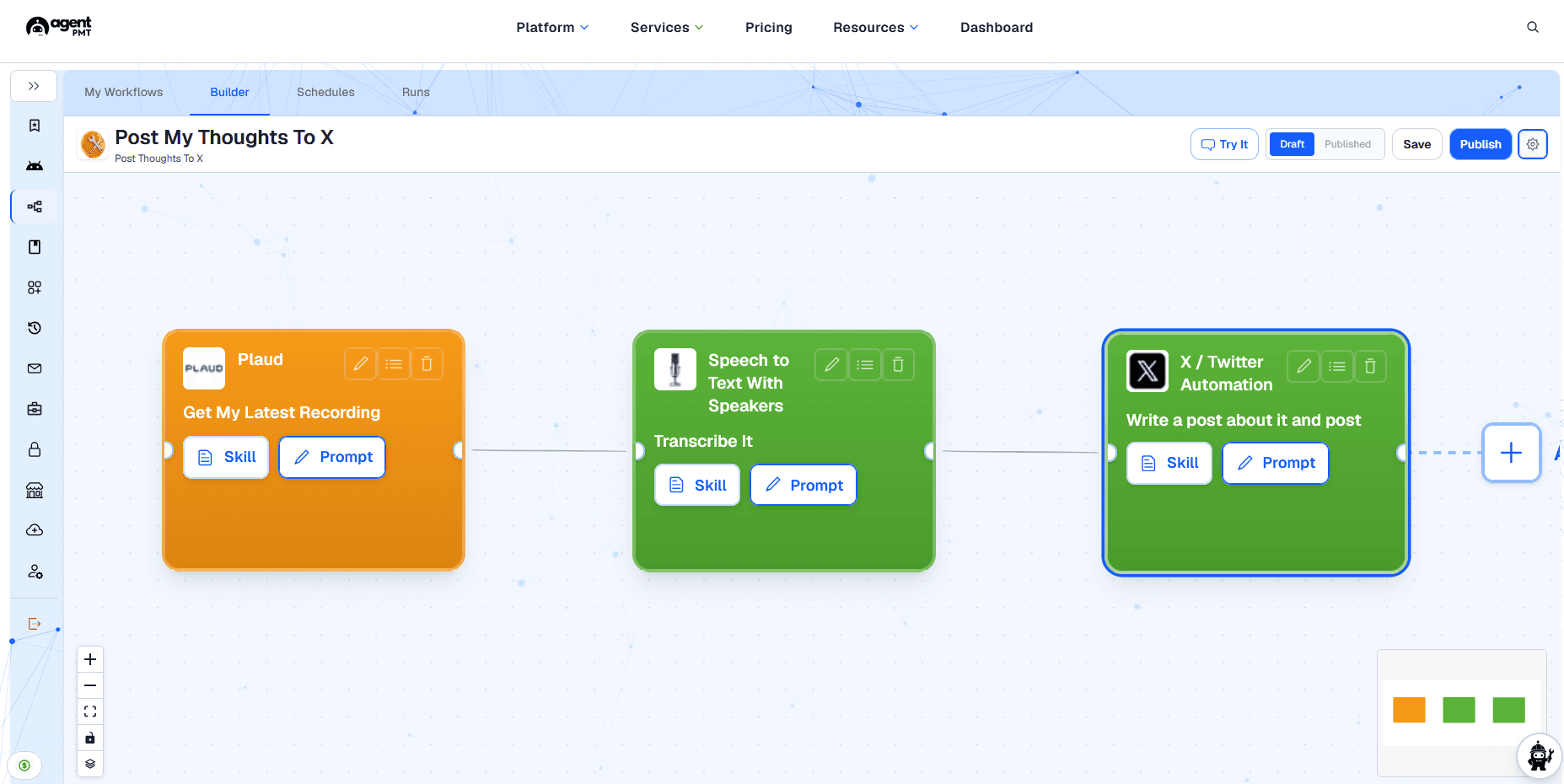
Every published workflow exposes a programmatic trigger at POST /api/programmatic/agent-webhooks/{workflowId}/trigger. Send an Authorization: Bearer <token> header and a JSON body with a prompt string. Optionally include your own request_id to carry a correlation id end to end.
Triggered runs pick up the same guardrails as dashboard-initiated runs: agent spend caps, tool allowlists, approval gates, and the append-only audit trail in Agent Activity. The response returns the workflow run id so you can poll status or correlate logs in your own system.