Generate 3D Model From Picture
Tools In This Workflow
Workflow Steps
- 1Accept User Image
- 2Generate 3D Model from Image
- 3Wait for Model Processing
- 4Check Model and Get Download Link
- 5Return Download Link to User
Description
Upload an image and get a 3D model generated from it. The workflow accepts a user-uploaded image, submits it to the 3D Modeling Agent for conversion, waits for processing, then checks for completion and returns the download link.
Generate 3D Model From Picture
Upload an image and get a 3D model generated from it. The workflow accepts a user-uploaded image, submits it to the 3D Modeling Agent for conversion, waits for processing, then checks for completion and returns the download link.
Accept User Image
Goal: Receive the image the user has uploaded in the chat and prepare it for 3D model generation | Inputs: User-uploaded image (file or URL from the chat) | Outputs: The image data or reference ready to pass to the 3D Modeling Agent | Constraints: The user must provide an image. If no image is provided, ask the user to upload one before proceeding. | Success criteria: An image has been identified from the user's input and is ready for the next step
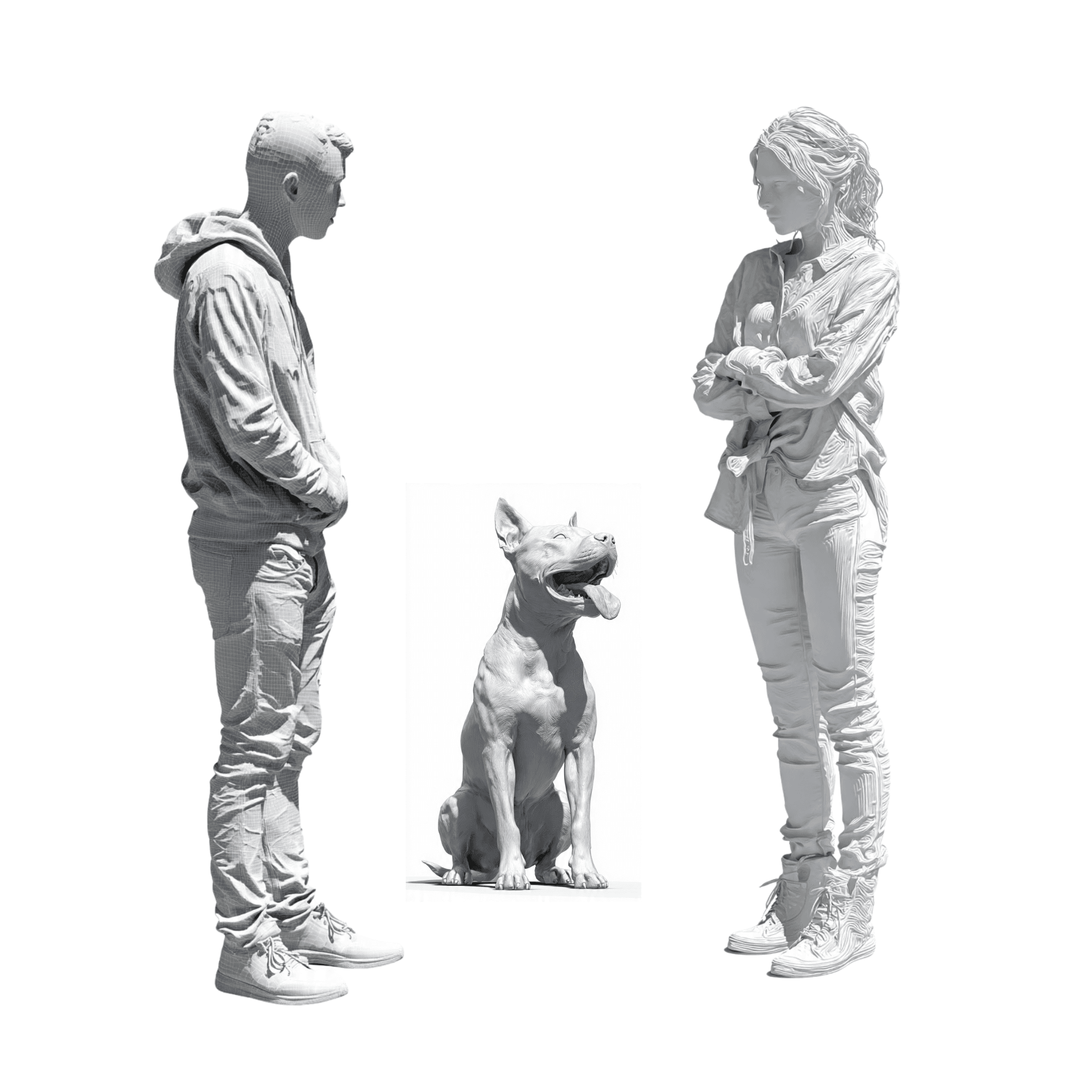
Generate 3D Model from Image
Use the 3D Modeling Agent to submit the user's uploaded image for 3D model generation. Pass the image to initiate the image-to-3D conversion process. Note the task ID or reference returned so we can check on it later.

Wait for Model Processing
Goal: Pause for approximately 2 minutes to allow the 3D model to be generated | Inputs: The task ID or reference from the 3D model generation request | Outputs: Confirmation that enough time has passed and the model should be checked | Constraints: Wait at least 2 minutes before proceeding. Inform the user that the model is being generated and they should wait a moment. | Success criteria: Sufficient time has elapsed for the 3D model processing to likely be complete
Workflow preview
What the agent will follow (tools, prompts, and workflow steps).
1. Apply the following prompt: Goal: Receive the image the user has uploaded in the chat and prepare it for 3D model generation Inputs: User-uploaded image (file or URL from the chat) Outputs: The image data or reference ready to pass to the 3D Modeling Agent Constraints: The user must provide an image. If no image is provided, ask the user to upload one before proceeding. Success criteria: An image has been identified from the user's input and is ready for the next step 2. Call tool: 3D Modeling Agent (Generate 3D Model from Image). Instructions: Use the 3D Modeling Agent to submit the user's uploaded image for 3D model generation. Pass the image to initiate the image-to-3D conversion process. Note the task ID or reference returned so we can check on it later. 3. Apply the following prompt: Goal: Pause for approximately 2 minutes to allow the 3D model to be generated Inputs: The task ID or reference from the 3D model generation request Outputs: Confirmation that enough time has passed and the model should be checked Constraints: Wait at least 2 minutes before proceeding. Inform the user that the model is being generated and they should wait a moment. Success criteria: Sufficient time has elapsed for the 3D model processing to likely be complete 4. Call tool: 3D Modeling Agent (Check Model and Get Download Link). Instructions: Use the 3D Modeling Agent to check whether the 3D model has finished generating. Retrieve the completed model file and download link. If the model is not yet ready, inform the user and try again after a short wait. 5. Apply the following prompt: Goal: Present the completed 3D model download link to the user Inputs: The download link and any metadata from the completed 3D model Outputs: A clear message to the user with the download link for their 3D model Constraints: Provide the download link prominently. Include any relevant details about the model format or file size if available. Success criteria: The user receives a working download link for their 3D model
Agent Reviews
Image-to-3D returned HTTP 400 but text-to-3D worked. Generated a golden retriever model with textures and PBR maps. Draft took ~90s, refine ~70s.
